



A technical, evidence-led breakdown of what Chrome records, what Incognito really hides, and why Muslim browsing patterns can become especially revealing inside Google's advertising system.
Quick answer
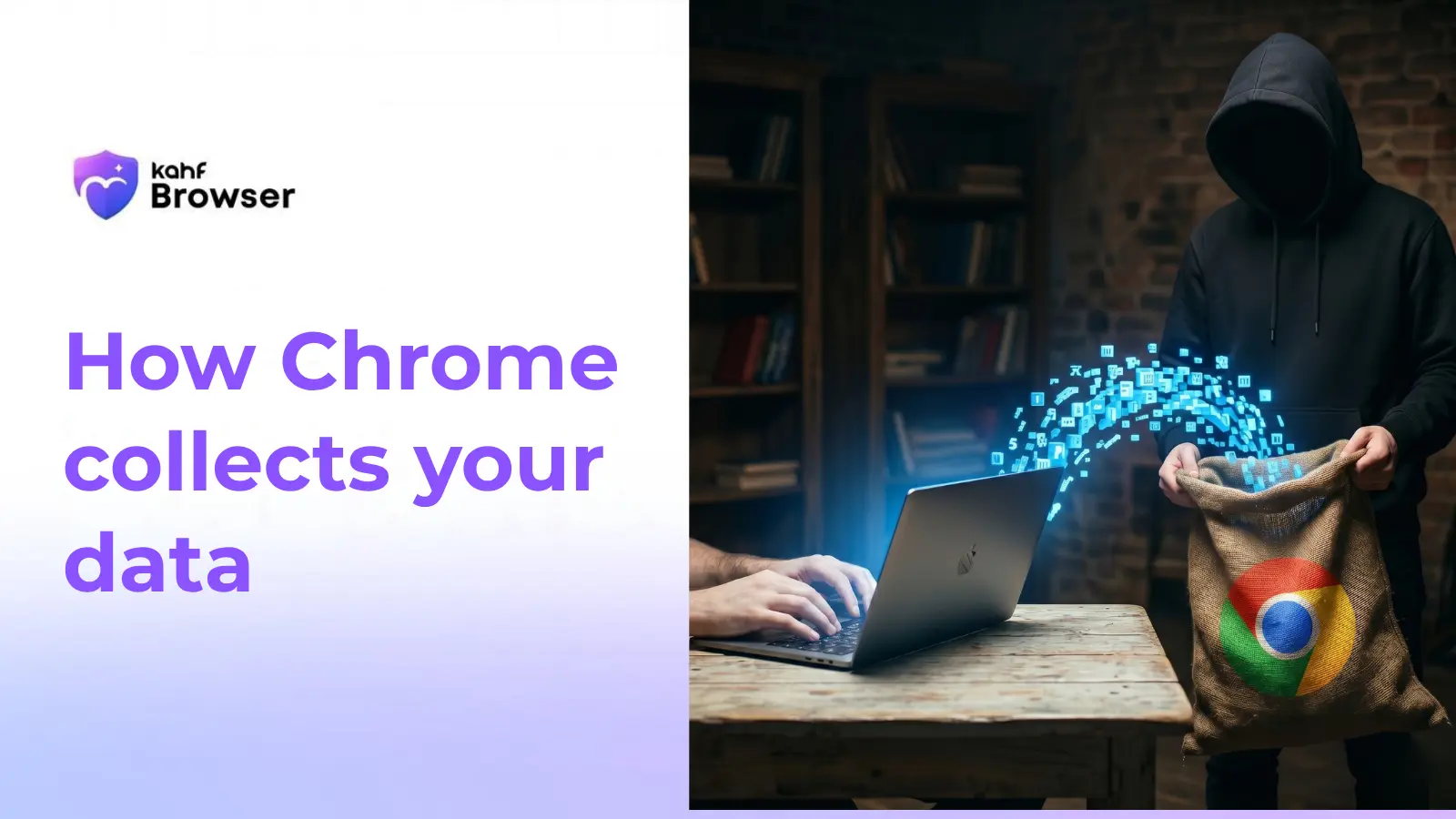
Chrome collects browsing, search, location, password, extension, fingerprint, and sync data — all strengthening Google's advertising profile about you.
Why Muslim users should care
Searches about prayer, halal finance, tafsir, mosques, and charities can reveal religious identity, habits, and private life patterns with unusual depth.
Chrome collects your browsing history, search queries, location data, saved passwords, installed extensions, device identifiers, and sync data — all tied to your Google account and used to build an advertising profile. Even in Incognito mode, Chrome still shares data with websites and allows Google to track your IP address. Chrome is built by Google, whose core business depends on advertising. Every new signal Chrome captures helps make that advertising profile more accurate and more profitable.
Why this article exists
Google Chrome remains the most widely used browser in the world, yet the overwhelming majority of users do not have a concrete picture of what it collects. That opacity is part of the product design. Data collection works best when it feels ambient, ordinary, and easy to forget.
This article is designed to make the hidden visible. It documents what Chrome collects, how it works technically, what Incognito mode does and does not do, how Google converts browser data into advertising value, and why this becomes especially sensitive when a user browses Islamic content, searches about prayer or halal finance, or uses Muslim apps and websites.
This is Spoke 2 of Kahf's privacy hub. If you want the wider framework, start with the complete Muslim guide to online privacy. If you want the theological lens behind this problem, return to whether Google is haram after this technical breakdown.
Chrome's data collection operates at both the browser layer and the advertising-network layer
Some of Chrome's tracking behaviour is visible in settings menus, sync options, and saved-password prompts. Most of it is not. The browser quietly produces a combined record of what you visit, what you search, what device you use, and how those behaviours fit into Google's wider ecosystem.
Browsing and search activity
Chrome records visited URLs, search queries, and even partial searches entered into the Omnibox before a user presses enter, creating a highly revealing behavioural record.
Location and device signals
Approximate location, network context, device details, storage, battery status, and hardware characteristics all contribute to a fingerprint that can persist across sessions.
Credentials and sync data
Saved passwords, autofill details, bookmarks, tabs, preferences, and browsing history can be synced into a Google account, tying browser behaviour directly to identity.
Extension and tracking ecosystem
Installed extensions, crash telemetry, and the broader Google advertising stack extend Chrome's data footprint well beyond the browser window itself.
What those nine categories look like in practice
Chrome can record visited URLs, searches typed into the Omnibox, approximate location inferred from IP and nearby signals, passwords and autofill details synced to Google, installed extensions with broad permissions, hardware details that strengthen fingerprinting, synced tabs and bookmarks, crash and diagnostic telemetry, and page visits reconstructed through Google's web infrastructure on third-party sites. Our guide on what tracking actually is expands on fingerprinting and passive identifiers in more detail.
| Data type | Default state | Where it goes |
|---|---|---|
| Browsing history | Collected and synced to Google if signed in | Google servers, tied to your account |
| Search queries as you type | Sent to Google in real time | Google servers and ad targeting systems |
| Location | Inferred from IP, Wi-Fi, and device signals | Google Location Services |
| Saved passwords | Synced to Google servers | Encrypted on Google servers |
| Installed extensions | Reported to Google | Chrome Web Store and platform logs |
| Device fingerprint | Assembled passively | Cross-device tracking and ad systems |
| Usage statistics | Sent by default | Chrome product analytics |
| Third-party site visits | Tracked through Google web infrastructure | Google Ads network and profile retention |
Incognito is local privacy, not network privacy
✓ What Incognito mode actually does
It prevents Chrome from saving local browsing history on the device, clears cookies and site data when the private window closes, and avoids storing forms or searches in the normal local history view.
✗ What Incognito mode does not do
It does not hide your activity from Google's advertising stack, conceal your IP address, block fingerprinting, stop school or workplace monitoring, or meaningfully shield you from phishing and malware.
In 2024, Google agreed to settle Incognito-related claims after years of collecting user activity through analytics and advertising services embedded across the web. The case mattered because it validated what privacy critics had argued all along: Incognito mode did not behave the way many ordinary users believed it did.
Reference settlement coverageOne ordinary hour can reveal far more than most users realise
The value of this example is not sensationalism. It is specificity. Prayer-time searches, mosque visits, halal-finance questions, charity donations, and Qur'an study can become a stitched-together profile of religious identity, financial circumstance, spiritual routine, and private interest — all without the user intending to broadcast any of it.
| Time | Action | Data transmitted |
|---|---|---|
| 09:01 | Searches 'Fajr time London' | Search query plus location inference sent to Google Search and Ads |
| 09:03 | Visits a prayer-times site | Analytics on site fires and visit is logged inside ad-profile signals |
| 09:08 | Searches 'halal mortgage UK 2025' | Financial and religious intent becomes a targeting signal |
| 09:15 | Reads an Islamic article | Religious content category deepens profile confidence |
| 09:22 | Watches an Islamic lecture on YouTube | Watch time, topic, and engagement feed recommendation and ad models |
| 09:31 | Searches Qur'an tafsir | Religious practice data is retained and linked to profile history |
| 09:41 | Visits a local mosque website | Location inference and mosque association are reinforced |
| 09:50 | Donates to charity | Payment-intent and giving signals enrich the financial profile |
| 09:58 | Closes browser | Session history remains on Google systems and sync can upload the record |
In one hour, Google can infer location, prayer rhythm, financial questions, doctrinal interests, and charitable intent. For the Islamic implications of that kind of behavioural profiling, see what Islam says about data privacy.
The browser is not the endpoint; it is the intake layer for a larger ad system
Chrome data becomes valuable because it can feed into Google's real-time advertising machinery. Browsing behaviour helps place users into inferred categories, connect devices and accounts, enrich auction signals, and sustain long-term retention. That means the privacy problem is not limited to a browser setting. It is structural.
Interest-based ad targeting
Browsing behaviour can place users into interest categories connected to religion, finance, travel, or health. Even where direct targeting by a sensitive attribute is restricted, behavioural data can still imply the same thing indirectly.
Cross-device and cross-account tracking
When a user signs into Chrome on multiple devices, Google can connect activity across phone, tablet, and laptop. Even without explicit sign-in, device characteristics and network patterns can help probabilistically reconnect sessions.
Data sharing and retention
Profile-derived signals can be exposed across advertising and business-partner systems, while older searches and browsing actions continue to shape current profiles long after the original moment has passed.
What happens to data about religion
The concern is not theoretical. The broader ad-tech ecosystem has already shown that location data from Muslim prayer apps and mosque-related behaviour can be purchased and exploited. Once behavioural signals exist at scale, control over how they are used becomes fragile.
A direct comparison clarifies why the browser choice matters so much
| Protection | Kahf Browser | Brave | Firefox | Chrome |
|---|---|---|---|---|
| Blocks 3rd-party trackers by default | ✓ Yes | ✓ Yes | Partial | ✗ No |
| Blocks fingerprinting | ✓ Yes | ✓ Yes | Partial | ✗ No |
| Encrypted DNS default-on | ✓ Yes | Partial | Partial | ✗ No |
| Sends data into ad network | ✗ No | ✗ No | ✗ No | ✓ Yes |
| Private mode meaningfully private | ✓ Yes | ✓ Yes | ✓ Yes | ✗ No |
| Haram content filter | ✓ Yes | ✗ No | ✗ No | ✗ No |
| Prayer times and Qibla built in | ✓ Yes | ✗ No | ✗ No | ✗ No |
| Revenue primarily from advertising | ✗ No | Partial | Partial | ✓ Primary |
| Muslim-built and mission-driven | ✓ Yes | ✗ No | ✗ No | ✗ No |
For a dedicated side-by-side comparison focused just on product choice, continue to the Kahf vs Chrome comparison. This article focuses on the mechanics of data collection; that comparison focuses on practical switching decisions.
The goal is not digital purity. It is reducing unnecessary exposure in your everyday browsing.
Download Kahf Browser from the App Store or Google Play and complete the short setup so your prayer times, language, and content preferences are configured from day one.
Set Kahf as your default browser so links from messages, email, and social apps stop opening in Chrome automatically.
Export bookmarks from Chrome if needed, then import them into Kahf so the switch feels practical rather than disruptive.
Sign out of Chrome to stop future sync activity from continuously enriching your Google profile.
Delete Web & App Activity, YouTube History, and Location History from your Google account to reduce the long tail of retained data.
Keep Chrome only for rare compatibility cases if necessary, while making Kahf your daily browser so the majority of your browsing happens in a privacy-first environment.
You do not have to delete Chrome entirely on day one. Keeping it for rare compatibility cases while using Kahf as your default browser still dramatically reduces how much of your normal online life is visible to Google.
Common questions about Chrome privacy and Muslim users
Does Chrome spy on you?
Is Chrome safe to use?
Does Chrome track you in Incognito mode?
What does Chrome know about me?
How do I stop Chrome from tracking me?
Is Kahf Browser safe?
Replace the browser that builds an ad profile about your Islamic life.
You now have a precise picture of what Chrome collects, how Incognito actually behaves, and why that matters for Muslim users. The most practical next step is straightforward: choose a browser that does not turn prayer searches, mosque visits, Qur'an study, and family life into commercial targeting signals.
Kahf Browser blocks trackers, encrypts DNS, filters haram content, and opens each new tab with tools that are actually useful to Muslim life: prayer times, Quran access, and Qibla direction.